Warning: file_put_contents(/var/www/thisisdown.com/public_html/logs/breadcrumb_debug.log): Failed to open stream: No such file or directory in /home/thisisdown.com/public_html/templates/breadcrumbs.php on line 185
Warning: file_put_contents(/var/www/thisisdown.com/public_html/logs/breadcrumb_debug.log): Failed to open stream: No such file or directory in /home/thisisdown.com/public_html/templates/breadcrumbs.php on line 192
Warning: file_put_contents(/var/www/thisisdown.com/public_html/logs/breadcrumb_debug.log): Failed to open stream: No such file or directory in /home/thisisdown.com/public_html/templates/breadcrumbs.php on line 198
MyChart
"Is MyChart working?"
MyChart is working normally
All systems are operational. MyChart is accessible and functioning properly.
Status Chart
This chart displays the hourly status data for over a 24-hour period
Now
24h ago
Operational
Partially working
Major outage
Not working
Recovering
Timeline
A chronological log of system events, performance fluctuations, and user reports. Each entry is tagged with time, status, affected regions, and resolution details for comprehensive tracking and analysis.
Service Status: All systems operational and responding normally
Performance Trend (24h): Service stability is degrading
Community Reports: No issues reported by users in the last 24 hours
Global Availability: Working normally worldwide
What issues are you experiencing?
Please choose the type of issue you're having with the Android app.
Reporting chart
This graph shows problem reports in the last 24 hours compared to typical patterns. The dashed line shows historical baseline when available.
Loading...
Vote statistics being updated...
No votes in the last 24 hours
Chart will appear when users start reporting
Recent reports
Every user report, from every country, visualized in real-time. Reports are displayed in descending chronological order (newest first) to ensure the most recent issues are immediately visible and no problem goes unnoticed.
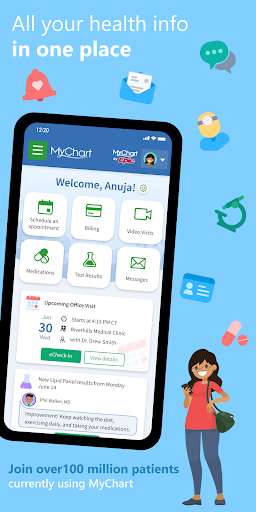
MyChart puts your health information in the palm of your hand and helps you conveniently manage care for yourself and your family members. With MyChart you can:
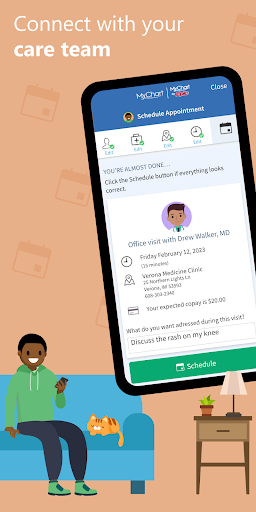
• Communicate with your care team.
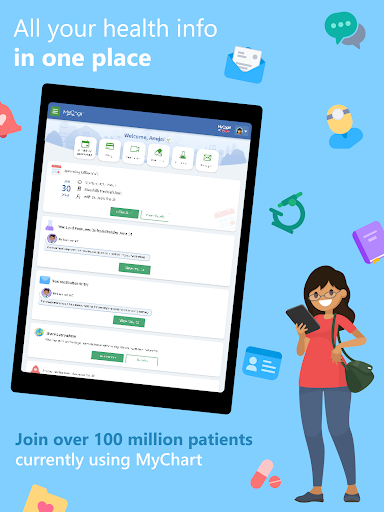
• Review test results, medications, immunization history, and other health information.
• Connect your account to Google Fit to pull health-related...
MyChart puts your health information in the palm of your hand and helps you conveniently manage care for yourself and your family members. With MyChart you can:
• Communicate with your care team.
• Review test results, medications, immunization history, and other health information.
• Connect your account to Google Fit to pull health-related data from your personal devices right into MyChart.
• View your After Visit Summary® for past visits and hospital stays, along with any clinical notes your provider has recorded and shared with you.
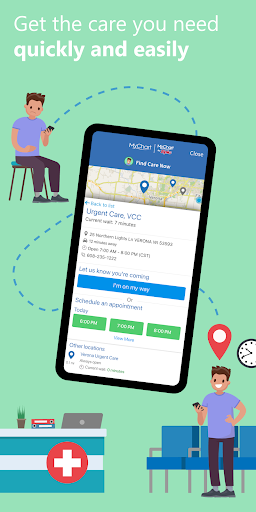
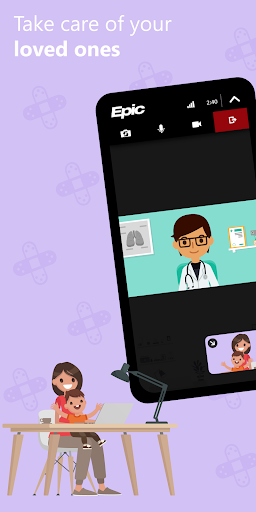
• Schedule and manage appointments, including in-person visits and video visits.
• Get price estimates for the cost of care.
• View and pay your medical bills.
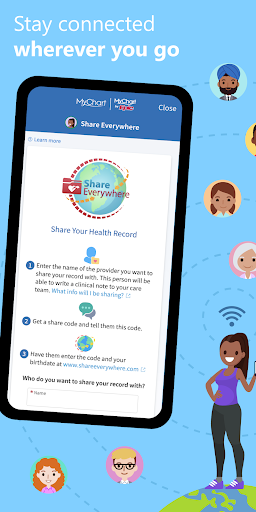
• Securely share your medical record from anywhere with anyone who has Internet access.
• Connect your accounts from other healthcare organizations so you can see all your health information in one place, even if you've been seen at multiple healthcare organizations.
• Receive push notifications when new information is available in MyChart. You can check whether push notifications are enabled under the Account Settings within the app.
Note that what you can see and do within the MyChart app depends on which features your healthcare organization has enabled and whether they’re using the latest version of Epic software. If you have questions about what’s available, contact your healthcare organization.
To access MyChart, you must create an account with your healthcare organization. To sign up for an account, download the app and search for your healthcare organization or go to your healthcare organization’s MyChart website. After you’ve signed up, turn on fingerprint authentication or set up a four-digit passcode to quickly log in without needing to use your MyChart username and password each time.
For more information about MyChart’s features or to find a healthcare organization that offers MyChart, visit www.mychart.com.
Have feedback about the app? Email us at mychartsupport@epic.com.
App Screenshots
User Reviews from Store
Showing 8 of 40 reviews
(Page 5 of 5)
R
Robert randall
Oct 11, 2025
Would highly recommend. Very useful and user friendly, even for a 66 year old.
M
Mary Creamer
Oct 11, 2025
Every time I'm there I'm treated with care and respect especially the 5 floor unit
A
Alicia Ellsworth
Oct 11, 2025
Not built for Android. Would not recommend. use phone and call your office. the epic copyright banner blocks all messages from my Dr and wont let you scroll. It also advertises drs not in your coverage district with optum. it also wont let message inputs go as one message. Breaks it into 2 or three boxes. This sub so hard would not
M
M Seach
Oct 11, 2025
excellent
F
Fatima Montrond Santos
Oct 11, 2025
Easy to use. All information needed in 1 spot.
M
Mie Kristiansen
Oct 11, 2025
it works great
I
Irtza Chaudhry
Oct 11, 2025
unable to login with my Gmail. it says: Access blocked: Alberta.ca Account’s request does not comply with Google’s policies
Comments & Discussion
0 Comments
Be the first to comment on MyChart status
Share your experience with the community