
 GlassWire Data Usage Monitor
"Is GlassWire Data Usage Monitor working?"
GlassWire Data Usage Monitor is working normally
All systems are operational. GlassWire Data Usage Monitor is accessible and functioning properly.
Status Chart
This chart displays the hourly status data for over a 24-hour periodTimeline
A chronological log of system events, performance fluctuations, and user reports. Each entry is tagged with time, status, affected regions, and resolution details for comprehensive tracking and analysis.
Service Status: All systems operational and responding normally
Performance Trend (24h): Service stability is degrading
Community Reports: No issues reported by users in the last 24 hours
Global Availability: Working normally worldwide
What issues are you experiencing?
Please choose the type of issue you're having with the Android app.
Reporting chart
Recent reports
No recent votes yet
GlassWire Data Usage Monitor
ToolsAbout this app
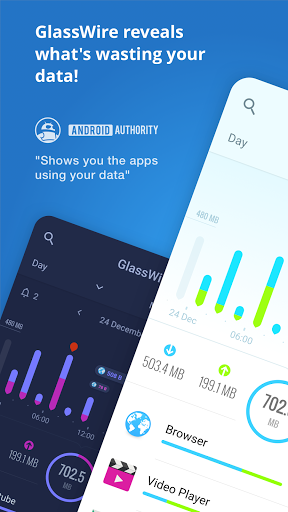
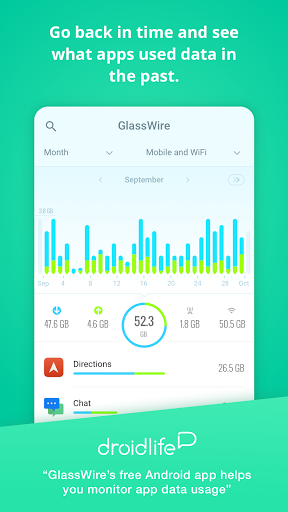
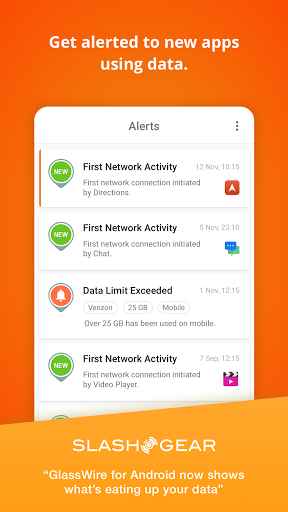
GlassWire is the ultimate data usage monitor for Android! Our app makes it easy to monitor your mobile data usage, data limits, and WiFi network activity.
Instantly see what apps are slowing your phone’s Internet connection or wasting your mobile data.
Key features
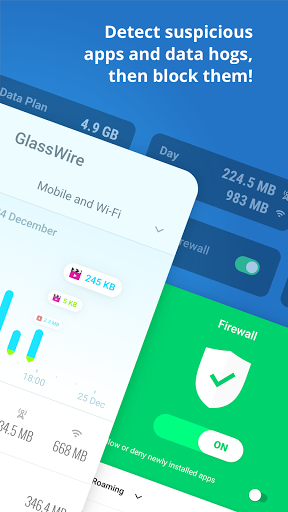
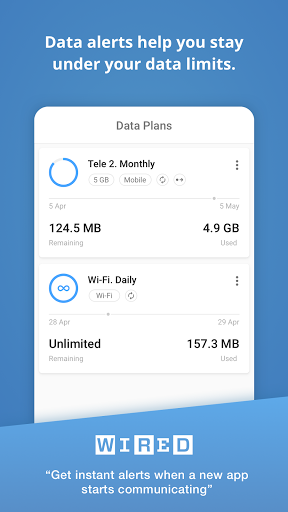
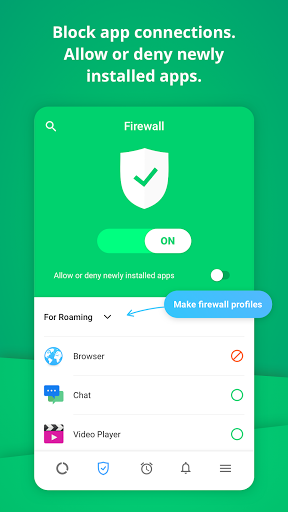
• GlassWire’s data alerts keep you under your data limit and save you money o...
Instantly see what apps are slowing your phone’s Internet connection or wasting your mobile data.
Key features
• GlassWire’s data alerts keep you under your data limit and save you money o...
App Screenshots
User Reviews from Store
Showing 8 of 27 reviews (Page 2 of 4)

Aserd Genius
Oct 30, 2025
Excellent functionality (5/5) - poor UI/UX (0/5) 1) permitted apps - very bottom of total app list 2) profiles - very top of total app list 3) profile drop-down isn't persistent upon scrolling down to access permitted apps - so user must scroll all the way to the top to select a new profile no option to sort / filter with permitted apps at top / only auto-block option auto permits new apps regardless of toggle state

endhaz
Oct 30, 2025
Perfect for watching my data usage and for blocking apps from the internet. I do have some features I would like to suggest, that I'll submit in the feedback of the app cuz how I described it is too long for here.

Joshep Alexander
Oct 29, 2025
Simply GOOD.

Israel “Lil-Izzy” Mwansa
Oct 25, 2025
great app for data monitoring, 5/5

Rob Bl
Oct 23, 2025
Very intuitive & informative UI. Provides so much info at a glance & easy navigation. Phone-home alerts on each new app installed. Been using it on all devices for years.

Nightfall Alicorn
Oct 23, 2025
This app doesn't make sense. The details on Google Play state that this app doesn't collect data but the terms of service says it does.

William Mcqueen
Oct 21, 2025
now it does nothing... I dont know ow what updated idk how, considering ive blocked ever Samsung update to keep control of my phone but now this app does nothing... doesn't black apps ive told it to block, doesn't stop first connections, and apps that ive had blocked for years now are getting though when I dont want them too... I paid for this app.... update still letting app though that haven't seen a update in years.. bout to order a refund, this app isnt doing as its promised....

oscar tarra
Oct 18, 2025
The best data-count app. I use it every day. Thanks. 👍After one year of using it I do not know how I manage without it. Tells me all about my app-usage.(inkluded background usage) And is ad-free without permissions. Necessary in this days. Good piece of right thinking.
Comments & Discussion
0 Comments
Be the first to comment on GlassWire Data Usage Monitor status
Share your experience with the community